AI-generated icons: when they work and how to clean them up
What AI image tools can and can't do for icon design, a workflow for turning generated drafts into a consistent vector icon set, and the checks every icon needs.
Creative Pouch · · 3 min read
Icons look like the perfect job for AI image generators: small, simple, needed in large numbers. In practice, generated icons are great for some tasks and frustrating for others. Knowing the difference saves hours.
Where AI icons work well
- Exploration. Generating twenty visual directions for a set (outlined, filled, duotone, 3D, hand-drawn) is fast and helps a team agree on a style before anyone draws.
- Illustrative icons. Larger, decorative icons for landing pages, empty states and marketing, where a bit of detail and personality is welcome.
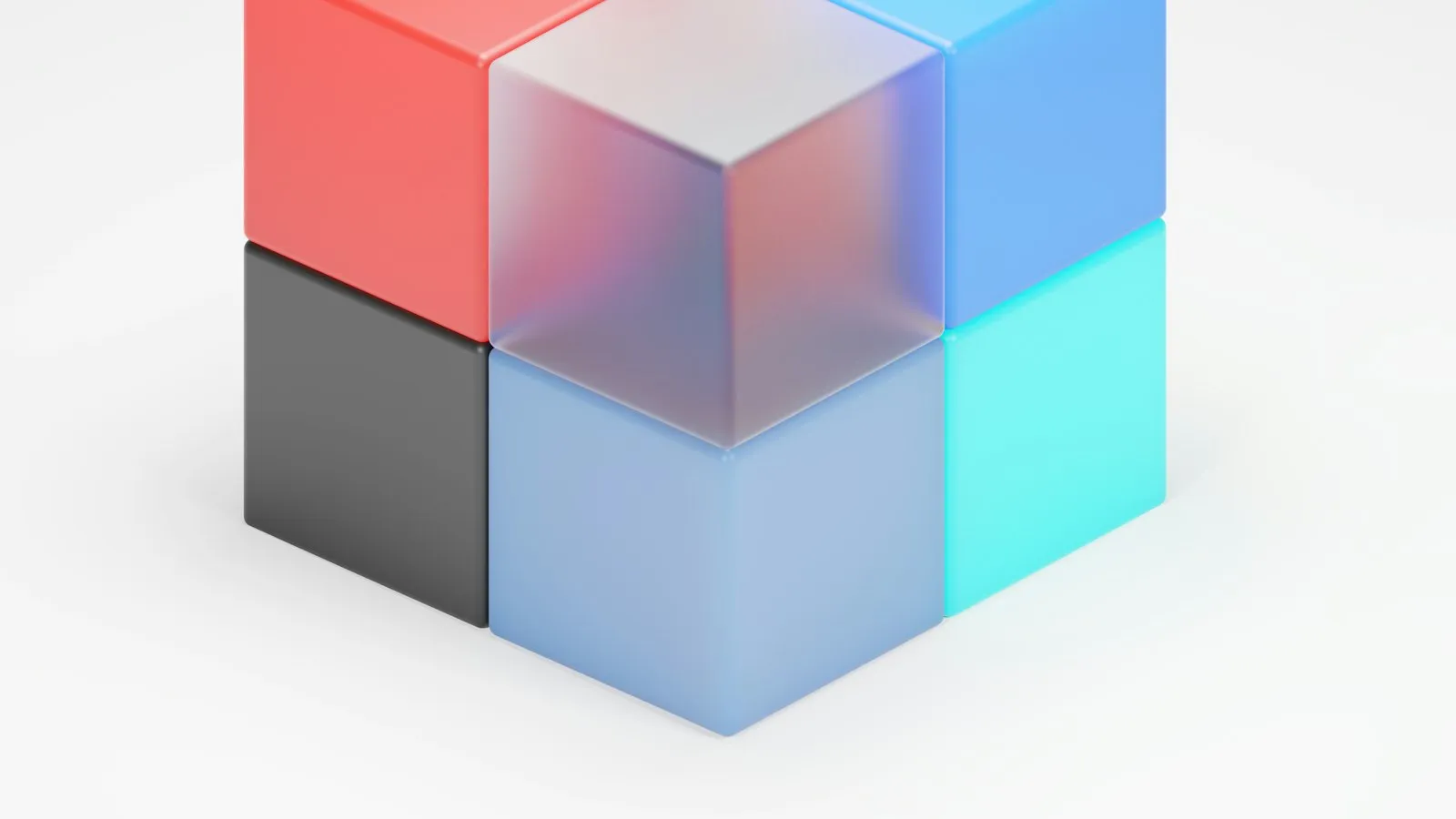
- 3D and textured styles. Glossy, clay-like or isometric icons that would take a long time to build by hand.
- One-off concepts. An unusual metaphor (“data privacy for pets”) that no icon library covers.
Where they struggle
- Small UI icons. At 16–24 px, icons need pixel-snapped strokes, consistent stroke widths and optical balance. Generators produce raster images with soft edges and uneven lines.
- Consistency across a set. Each generation drifts a little: corner radius, stroke weight, perspective and level of detail change from icon to icon.
- Precise meaning. Common UI concepts (settings, share, filter) have established shapes. Generators tend to invent new ones, which hurts usability.
- Editability. Product teams need clean SVGs they can recolour, resize and animate.
A workflow that works
- Define the style first. Write down grid size (e.g. 24 × 24), stroke width, corner radius, fill or outline, and perspective. This is your spec, for both prompts and review.
- Generate drafts for ideas, not finals. Prompt for one concept at a time, with the style spelled out: “simple outline icon of a calendar, 2px stroke, rounded corners, flat, centred, white background, no text”.
- Pick the strongest metaphor, not the prettiest image.
- Redraw or vectorise. For UI icons, redraw on the grid in your design tool, using the draft as a reference. For illustrative icons, auto-tracing (Illustrator’s Image Trace, Figma plugins, or online vectorisers) can work, followed by manual clean-up.
- Clean the vectors. Remove stray points, merge shapes, convert strokes consistently, align to the pixel grid and set a single colour you can override.
- Test at real size in the interface, in light and dark mode.
The quality checklist
Before an icon joins the set, check:
- Same stroke width and corner radius as the rest of the set.
- Fits the grid with consistent padding (optical, not just mathematical).
- Readable at the smallest size it will be used.
- Recognisable without a label, or always paired with one.
- Clean SVG: few points, no hidden layers, no embedded raster images.
- Works in a single colour.
A note on originality and rights
Generators learn from existing images, and icons are a style where results can come very close to well-known sets or brand marks. Avoid prompting for a specific brand’s style, check that nothing resembles a trademark, and read the tool’s licence before using generated icons in a commercial product. For more on this, see Who owns AI-assisted work?.
Summary
Use AI to explore icon styles and to produce illustrative or 3D icons quickly. For the small, functional icons in an interface, treat generated images as sketches and finish them as hand-built vectors on a grid. That combination gives you speed without giving up the consistency good icon sets depend on.