Keeping a brand consistent with AI image generators
A practical system for on-brand AI images: a visual style guide for prompts, reference images, fixed parameters, review checklists and where human editing stays essential.
Creative Pouch · · 3 min read
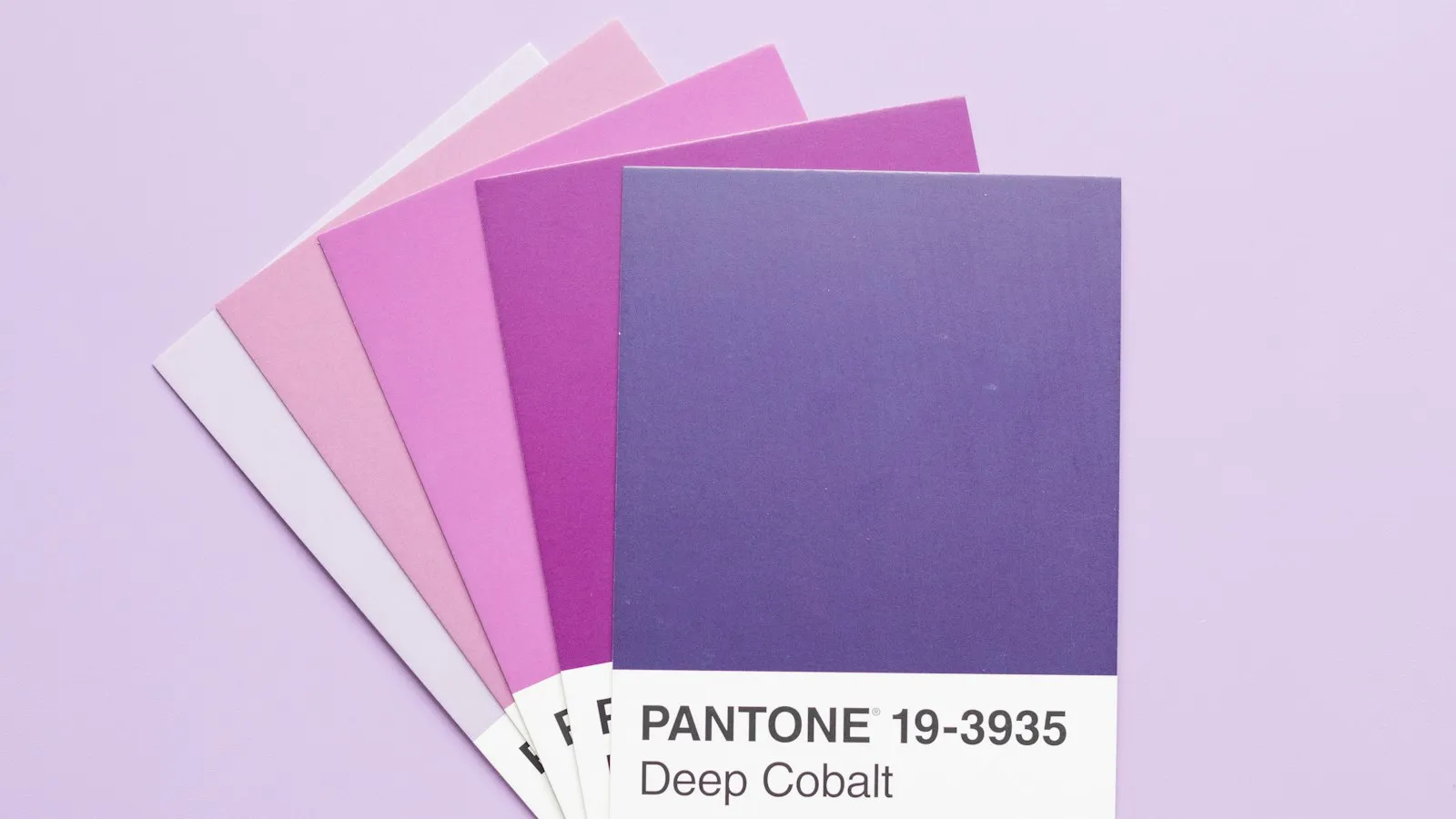
AI image generators can produce a striking picture in seconds. Producing fifty pictures that all clearly belong to the same brand is much harder. Without a system, every prompt drifts a little: the light changes, the colours shift, people look different, and after a month the brand’s visual language has quietly dissolved.
The fix isn’t a magic prompt. It’s the same thing that keeps any brand consistent: clear rules, shared references and a review step.
Why AI images drift off-brand
Generators are designed to give you variety. Each run samples a new image, and small changes in wording can change the whole style. Add several people on a team writing prompts their own way, and inconsistency is the default outcome. Typical symptoms:
- colours that are close to the brand palette but never quite on it;
- a mix of photographic, 3D and illustrated looks in the same campaign;
- lighting and mood that change from image to image;
- people and products that look different every time.
Write a visual style guide for prompts
Most brand guidelines describe logos, colours and fonts. For AI work, add a short image style section that translates the brand into words a model can follow:
- Medium: photography, flat illustration, 3D render, collage. Pick one per use case.
- Light and mood: for example “soft natural daylight, calm, optimistic”.
- Colour: describe the palette in words (“warm cream backgrounds, accents of burnt orange”), since most models don’t follow hex codes reliably.
- Composition: “single subject, generous negative space, subject off-centre”.
- Things to avoid: clichés, busy backgrounds, text inside images, a look that resembles a competitor.
Turn this into a prompt template that everyone starts from, with a slot for the subject:
[subject], editorial photograph, soft natural daylight, warm cream background with burnt-orange accents, single subject, generous negative space, calm and optimistic mood
Use reference images, not just words
Words only go so far. Most current tools let you add a style or image reference, and this is where consistency really improves. Build a small library of 10–20 approved images that capture the brand, and use them as references for new generations. If your tool supports it, save a reusable style or preset so the team doesn’t have to rebuild it each time.
Fix the parameters you can
Keep everything you can control the same across a campaign: the model and version, aspect ratios, style strength and any quality settings. When a model is updated, test the template again before rolling it out, because a new version can change the look even with an identical prompt.
Add a review checklist
Before an AI image is published, someone should check it against a short list:
- Does it match the style guide (medium, light, colour, composition)?
- Would it sit comfortably next to the last ten approved images?
- Are there artefacts: hands, text, logos, distorted products?
- Does it represent people fairly and avoid stereotypes?
- Are the tool’s licence and the client’s contract fine with this use?
Approved images go into the reference library, so the system gets better over time.
Where human editing still matters
Even a great generation usually needs finishing: colour correction to the exact brand palette, cleaning up details, adding real product shots or typography in a design tool. Treat AI output as a strong first draft. The final step, the one that makes an image unmistakably yours, is still design work.
Summary
Consistent AI imagery comes from a system: a written style section in the brand guidelines, a shared prompt template, a library of reference images, fixed settings and a human review step. Set it up once and every new image starts on-brand instead of drifting away from it. For more on writing prompts, see Prompting for designers: think in briefs, not keywords.