Reverse handoff: when the code comes first
More and more interfaces start as code, often written with AI. Getting them back into design tools is becoming an important part of the workflow.
Creative Pouch · · 2 min read
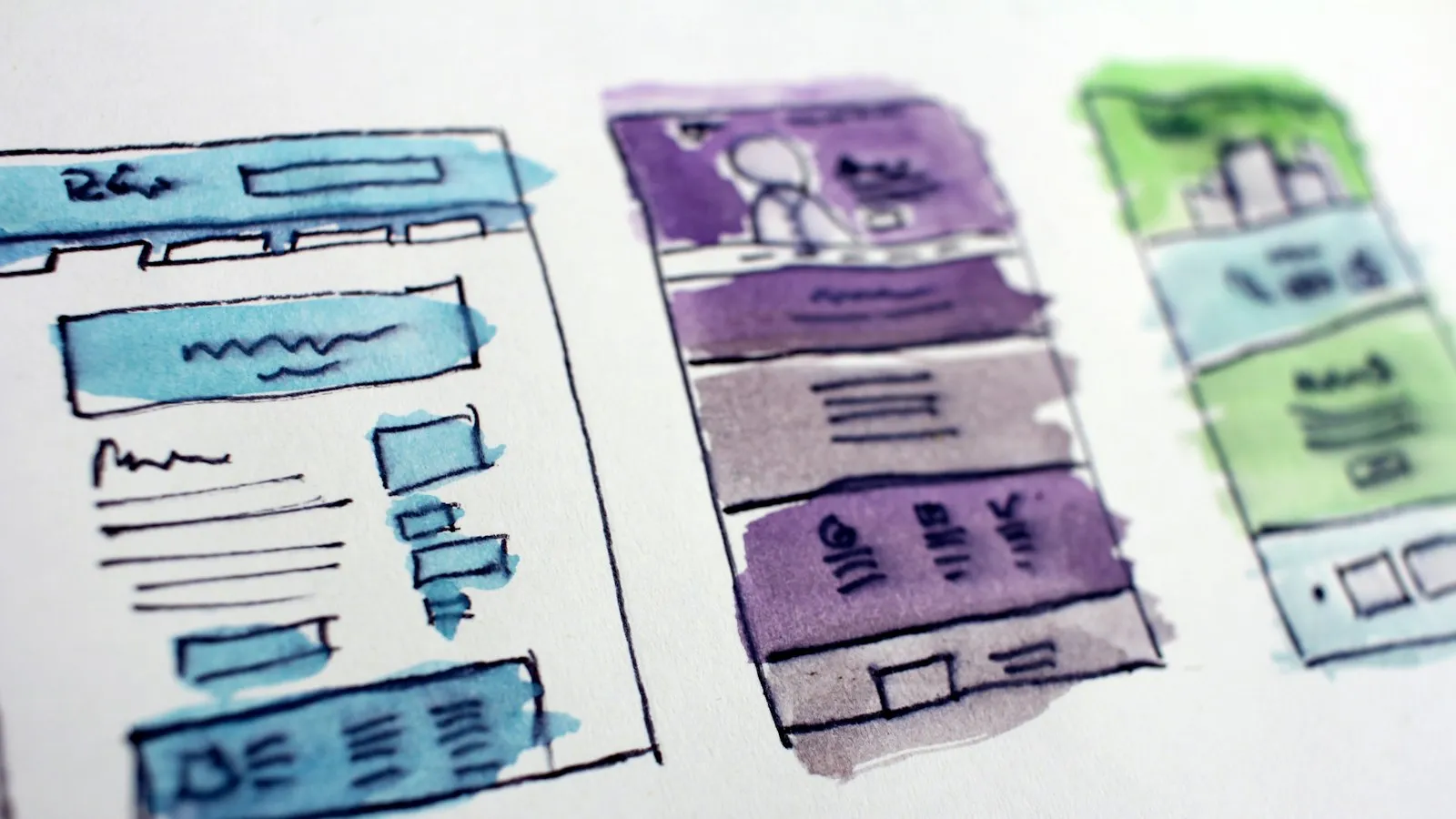
The classic workflow goes one way: designers make mockups, developers turn them into code. But that’s no longer the only direction. Today, plenty of interfaces start life as code: an AI-generated prototype, a live website that needs a redesign, or a developer’s quick experiment that turned out to be good.
When that happens, teams need to go the other way, from code back into a design tool. That’s reverse handoff.
Why it’s becoming common
AI writes the first draft
Coding assistants can produce a working page in minutes. Designers then want to refine it visually, in a tool built for visual work.
Redesigning existing sites
Many design files are out of date. The live site is the real source of truth. Starting a redesign from what’s actually live saves hours of rebuilding screens by hand.
Developers and designers sharing ideas
A developer’s prototype often contains good ideas that a designer wants to explore further, without recreating it from screenshots.
What makes a good conversion
Turning HTML into design layers isn’t just taking a screenshot. A useful result has:
- real, editable text with the correct fonts;
- structure that matches the page, ideally with auto-layout that behaves like the original flexbox or grid;
- vector icons and real images, not one flat picture;
- sensible layer names, so the file is easy to work with.
Tips for a smooth workflow
- Clean up the code first. Semantic HTML and consistent CSS produce much cleaner design files.
- Convert whole projects, not single screenshots. Linked stylesheets, fonts and images make the result far more accurate.
- Turn repeated patterns into components once the design is imported.
- Close the loop. After refining the design, hand it back to code with clear specs, so the two never drift apart again.
Design and code are converging
The line between designing and building is blurring. Tools that move work easily in both directions, design to code and code to design, let teams pick the best starting point for each problem instead of being locked into one direction.